Master Financial Concepts by Running Real Business Scenarios
Built for the Active Learners, not just the accountants. If balance sheets have always felt like a foreign language, this is where they start to make sense.
Made for Curious

Start Immediately
No setup, no signup, no theory to slog through first. Pick a scenario and post your first transaction in under a minute.

Visual Feedback
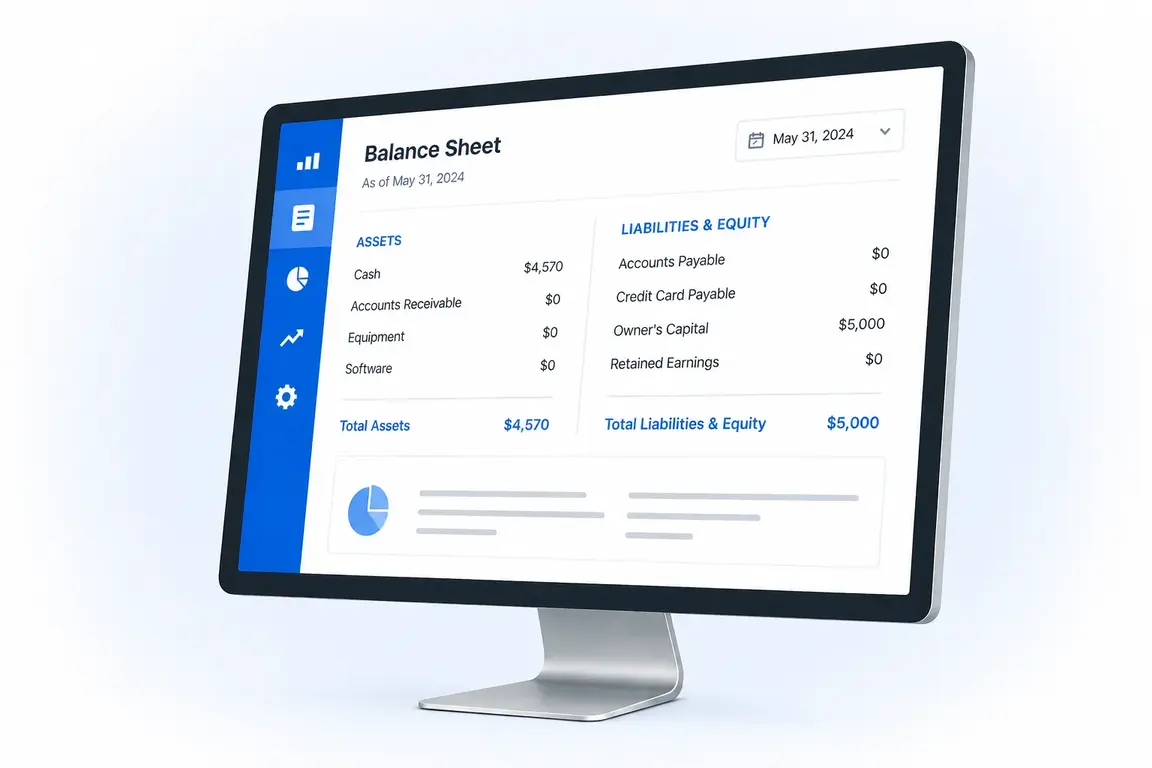
Watch the Balance Sheet and Income Statement recalculate live with every entry. See exactly which accounts change and why.

Experiment Freely
Need to correct? Undo the last move with one click. Want to start over? Reset the entire simulation instantly.

Track Business Metrics
Always wondered what financial specialists mean when they throw around terms like EBITDA or return on equity? Click any metric card to see exactly how it is calculated.
More Scenarios Coming Soon
Coffee Shop
SaaS Startup
Manufacturing Company
How It Works
Select an Operation
Browse the Operations panel and pick a business activity — like taking an owner investment or sending a client invoice. Each operation represents a real transaction your business would perform.
Post the Transaction
Enter the amount (or keep the default) and click Post. The app instantly records the double-entry bookkeeping and adds it to your History.
Watch Statements Update
See the Balance Sheet and Income Statement recalculate in real time. Click any history row to highlight exactly which accounts changed and why.
Frequently Asked Questions
Is this financial simulator free?
Yes. The Freelance Designer scenario is completely free. No signup required.
Do I need accounting knowledge to start?
No advanced accounting knowledge is required, but basic familiarity helps. The simulator assumes you understand fundamental concepts like debits, credits, and the main account types (assets, liabilities, equity, revenue, expenses). We don't teach these definitions from scratch — instead, we help you apply them in real business scenarios with live visual feedback.
How do I get started?
Click any operation from the list on the left — most scenarios begin with Owner Investment to fund your business. Enter an amount (or keep the default), click Post, and watch your financial statements update instantly. There's no wrong way to experiment; you can always undo or reset.
What's the best way to learn with this simulator?
Follow this cycle: Post → Observe → Question → Experiment.
- Post a transaction (e.g., send a client invoice)
- Observe how the Balance Sheet, Income Statement, and metrics update instantly
- Question why specific accounts changed — click any history row to see the exact debit/credit entries
- Experiment by undoing and trying different amounts, or resetting entirely to test new strategies
There are no penalties for mistakes. The simulator is designed for active experimentation, not passive reading.
What devices work best with this simulator?
The simulator works on any modern device with a web browser. For the best learning experience, we recommend a laptop, desktop, or tablet so you can see your Operations, Transaction History, Balance Sheet, and Income Statement side-by-side in real time. On phones, these panels are organized into tabs for easier navigation — fully functional, just one view at a time.
How is this different from accounting courses?
Instead of watching videos or reading textbooks, you actively post real transactions and see financial statements update live.